The I/O list, read straight off the P&ID.
Fourteen columns, extracted from a P&ID package in whatever tag convention it was drawn in, with AI, AO, DI, and DO on every row, exported into whichever PLC vendor format your team works in. The same row data, every downstream target.
Three drawings included on a new account.
The document that sizes the control system.
An I/O list is the register of every input and output signal the control system reads from or writes to the field. Each row is one signal, with its tag, service, control loop, and signal class. It is what sizes the PLC or DCS and drives marshalling, wiring, and checkout.
Tagsight reads it from the P&ID package, and an engineer confirms it against the sheets before it exports.
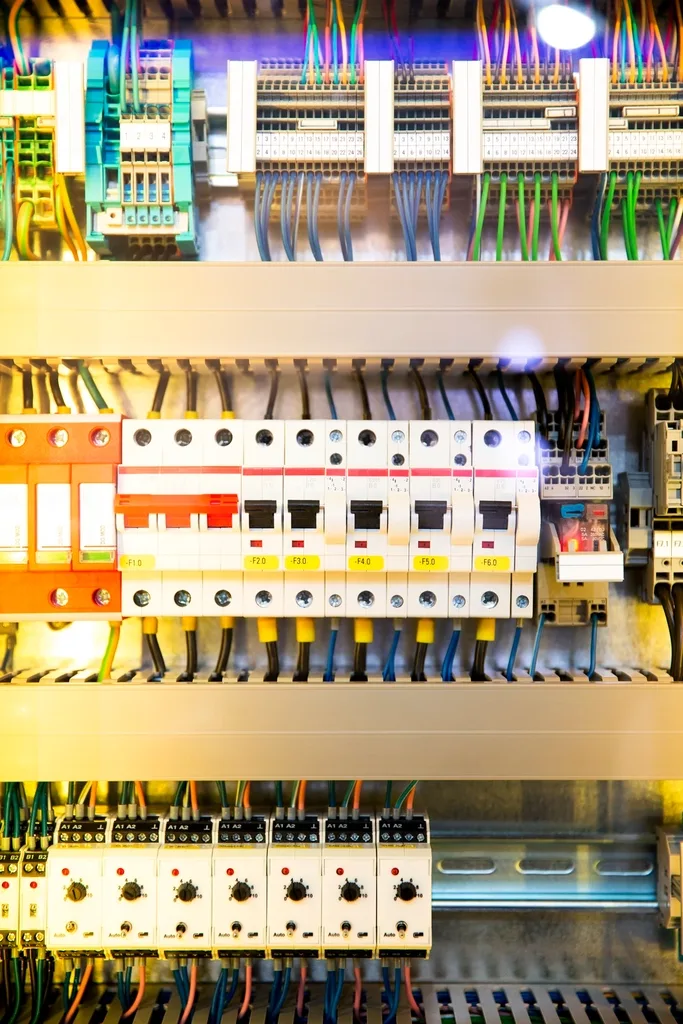
Read in the convention the drawing uses.
ISA 5.1, KKS and RDS-PP, IEC 81346, NORSOK, Dutch NEN, and in-house letter codes each come back in the form the sheet prints them. The signal class follows the same convention and stays editable, so an engineer signs off the list that reaches the controls team.
- Signal class on every tag, AI / AO / DI / DO
- BPCS and SIS split for independent I/O
- Every row traceable to its source sheet
Common questions
What is an I/O list?
What columns does an I/O list have?
What are the signal classes on an I/O list?
What is the difference between BPCS and SIS rows on an I/O list?
What formats can an I/O list export to?
Run it on your drawings.
Upload a P&ID set, get the I/O list back classified, and export to the PLC vendor target your team uses.
Three drawings included on a new account.
Three drawings included on a new account.